
Turn Yourself Into a GTA Character
See yourself as a character in GTA 6. Add one photo and you come back as a game character on a sunny Vice City street, with your own face, hair and clothes, in the game’s 3D look.
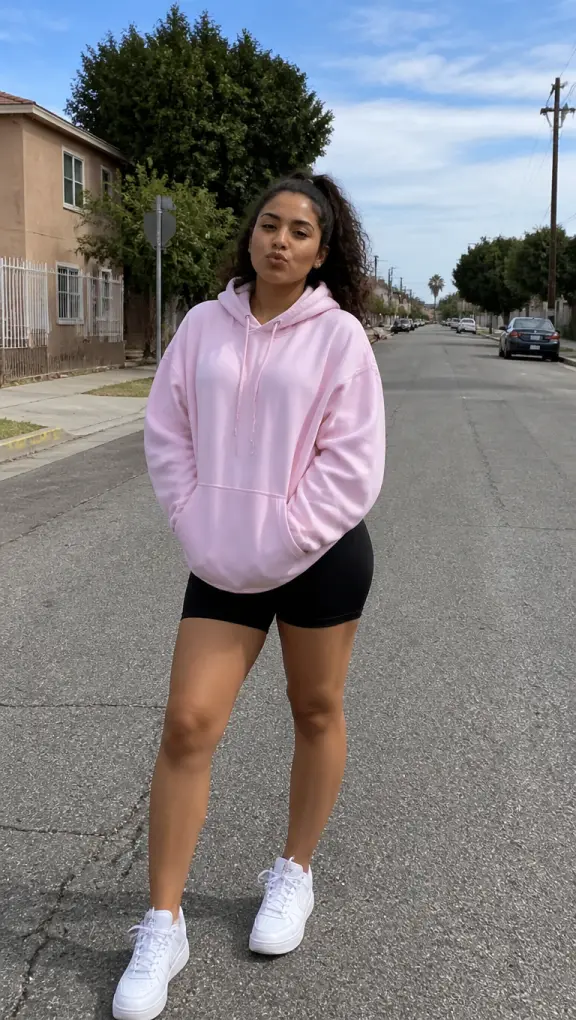
Your first photo is a free preview
Templates
You as a GTA character, and the other looks
Game character comes first. The other templates turn the same photo into a loading screen, cover art, a couple poster or you with a car. Every example was made here from a photo of a person who does not exist.
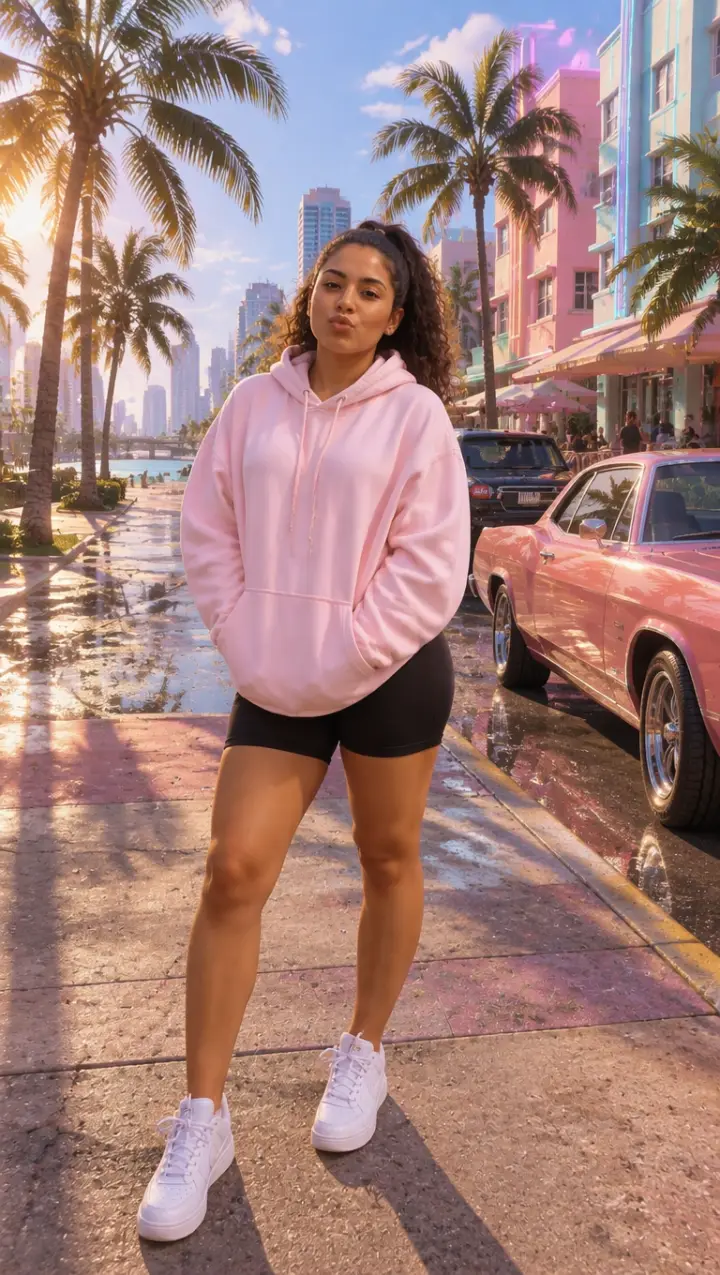
Game character
You as a playable character in the game’s own 3D look, full body, on a sunny Vice City street.
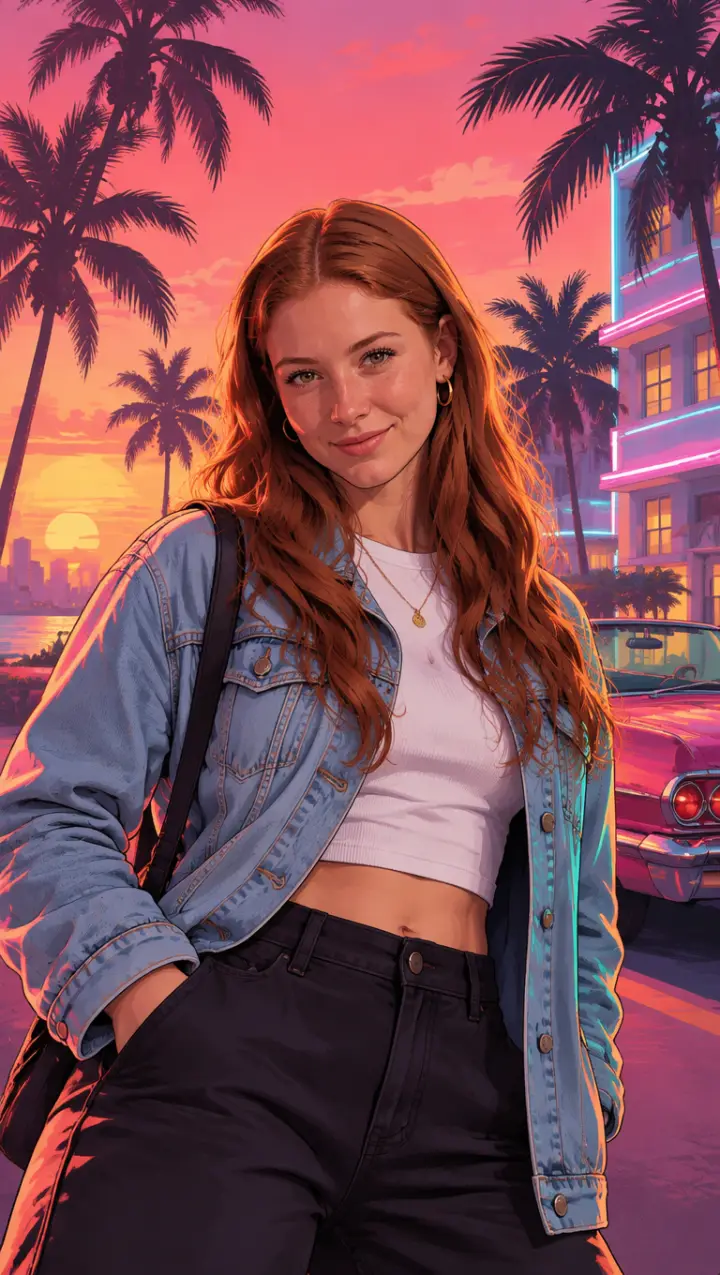
Loading screen
The look of the TikTok loading screen trend: you as a painted portrait over a pink and orange Vice City sunset, palm trees and a convertible behind you.
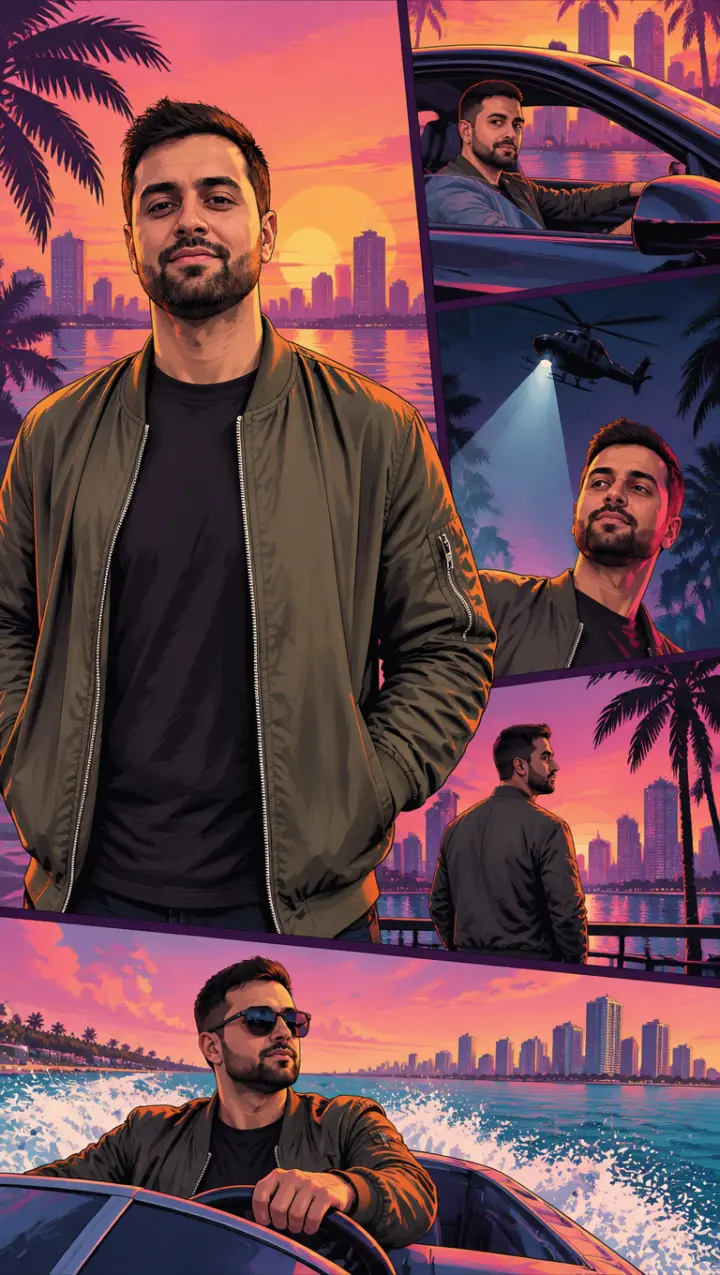
Cover art
The box art: you large in the middle, and small framed panels around you of the same story, behind the wheel, under a helicopter’s spotlight, on a boat.
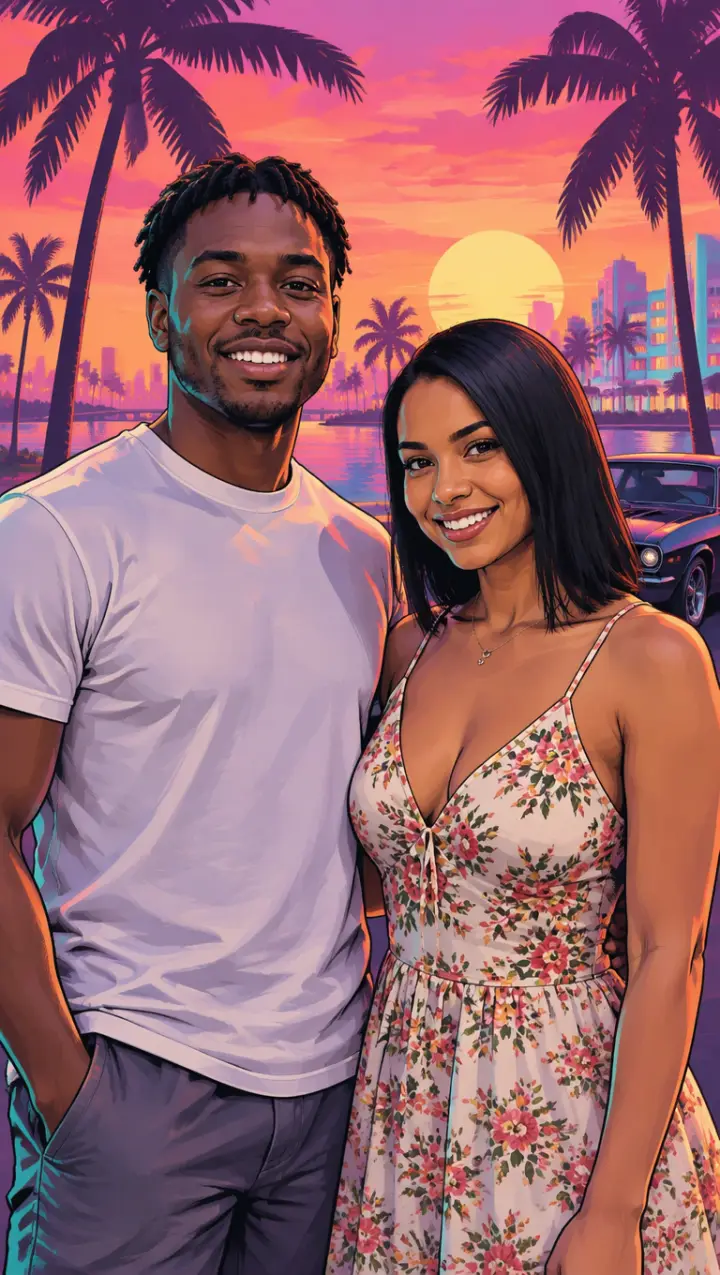
Couple
A photo of the two of you becomes the outlaw couple on a poster, side by side against a hot pink sunset.
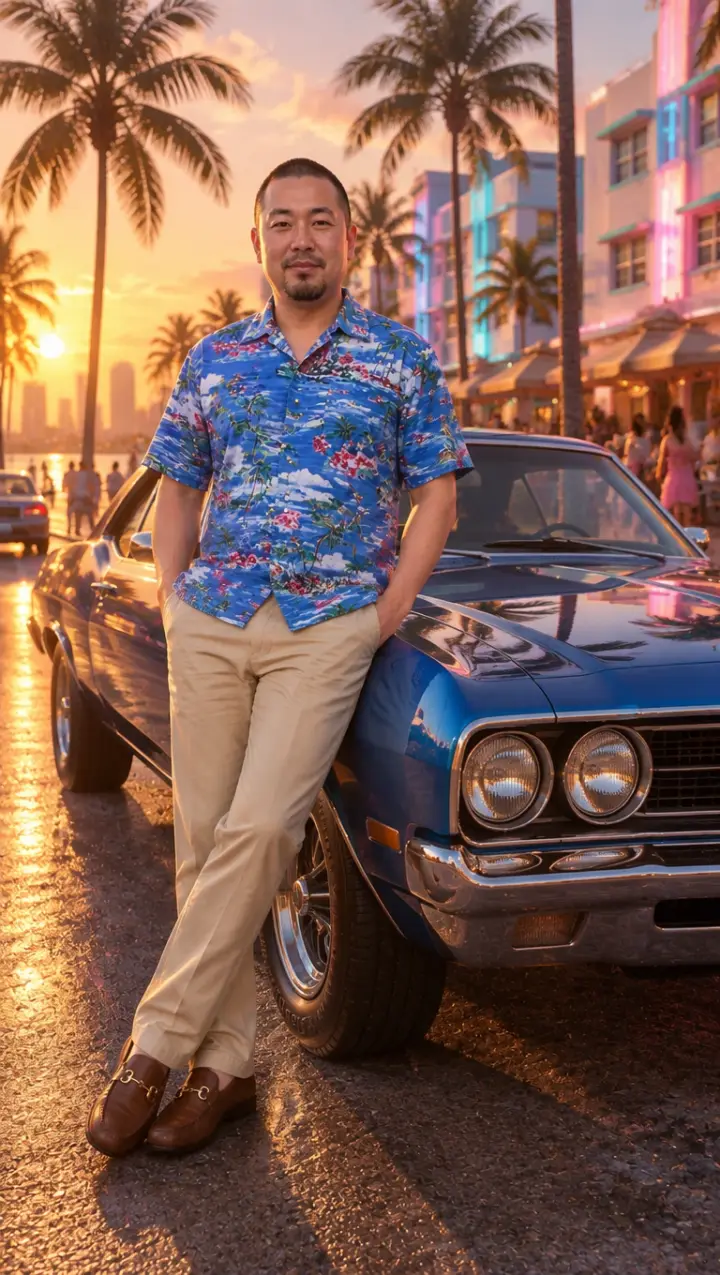
With a car
You leaning on a vintage muscle car on the ocean drive at golden hour, in the look of the game.
Three steps
How to turn yourself into a GTA character
One photo, no app, no prompt.
- 01
Add a full-body photo
Head to toe works best for a character: the clothes you wear are the outfit your character gets.
- 02
Keep Game character picked
Change the outfit or the place in the box if you like: “in a Hawaiian shirt”, “at the marina”, “at night under neon”.
- 03
Download your character
It is ready in about a minute, vertical, ready for a profile picture, a post or a story.
The idea
Why everyone wants to be a GTA character
Since the GTA 6 trailers showed Vice City in full 3D, the most asked-for picture is simple: me, in the game. People search for it as “turn me into a GTA character” and “turn yourself into a GTA character”, and post the results next to their own photo.
This tool draws you as a playable character would look in the game: real-time 3D graphics, the warm Vice City light, a street with palm trees and pastel buildings behind you. Your face, hair and clothes come from your photo, so it still looks like you.
Outfits
Outfits that make a good GTA character
Your clothes become the character’s, so dress the part before you take the photo:
Vice City summer
A loud short-sleeve shirt, shorts and sunglasses: the city does the rest.
Night out
A dark jacket, chains and clean sneakers for a character who works after dark.
Gym and beach
A tank top and a cap; on the Vice City sand it fits right in.
Smart and dangerous
A white suit or a blazer over a T-shirt, the classic look of a Vice City boss.
More
More GTA 6 AI tools
Questions
GTA character FAQ
Will my GTA character look like me?
It keeps the face, hair and clothes from your photo, so a sharp photo with your face to the camera works best. Sunglasses, filters and small faces far away do not.
Can I get my GTA character as a video?
Yes. On the GTA 6 AI video generator, the Vice City drive and Wanted templates put you in the game from one photo and make it move, and Your video redraws a clip of you as GTA 6.
What happens to my photo?
It is used only to make your pictures and videos. It stays with what you made in My photos & videos and is deleted when you delete it; a photo you add and never use is erased within a day.
Can I be a character from the game, like Jason or Lucia?
No. You become a character of your own in the game’s look, not a copy of one of its characters.
Can I try it before paying?
Yes. Your first character is a preview with a watermark. Pick a pack to take the watermark off that same picture and make more.
GTA 6 AI Video is an independent, unofficial fan tool. It is not affiliated with, endorsed by or sponsored by Rockstar Games, Take-Two Interactive or TikTok. Grand Theft Auto, GTA and GTA VI are trademarks of Take-Two Interactive; they are used here only to describe the look people ask for. No game footage, artwork or logos are used. Every video and picture made here is AI-generated: say so when you share it. Rights holders can write to support@gta6aivideo.app.