
GTA 6 Loading Screen Generator
Make your own loading screen from one photo: you, painted as the art of GTA 6, over a pink Vice City sunset with palm trees and a classic car. The same look as the loading screen trend on TikTok.
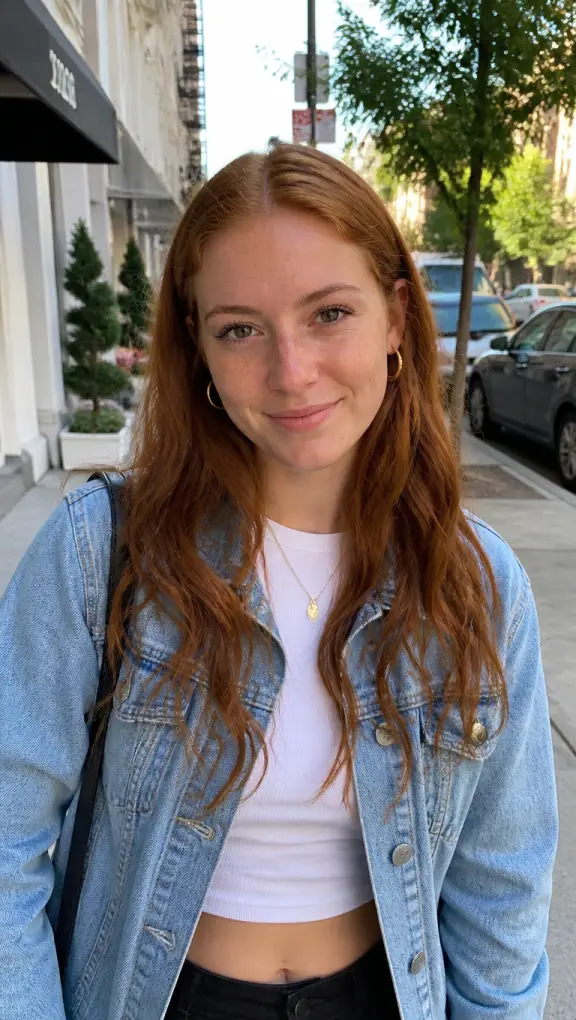
Your first photo is a free preview
Templates
Your loading screen, and the other looks
The loading screen comes first. The other templates are there too if you want cover art or a game character from the same photo. Every example was made here from a photo of a person who does not exist.
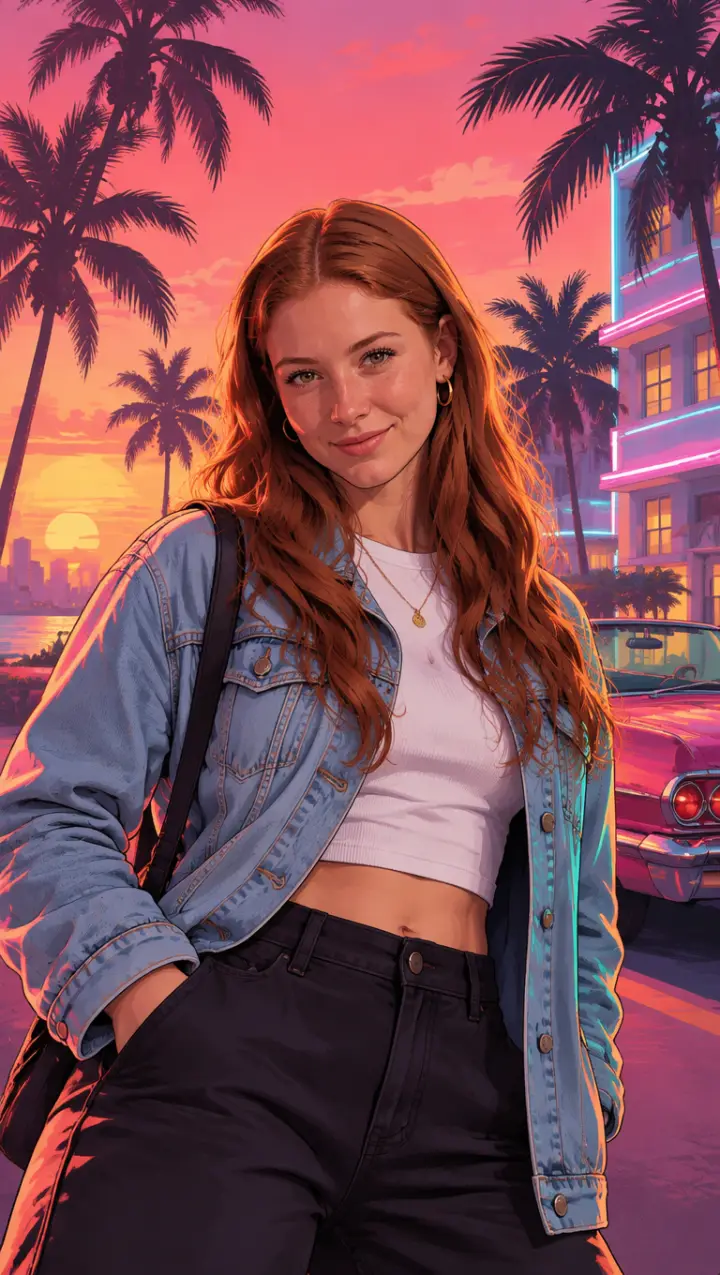
Loading screen
The look of the TikTok loading screen trend: you as a painted portrait over a pink and orange Vice City sunset, palm trees and a convertible behind you.
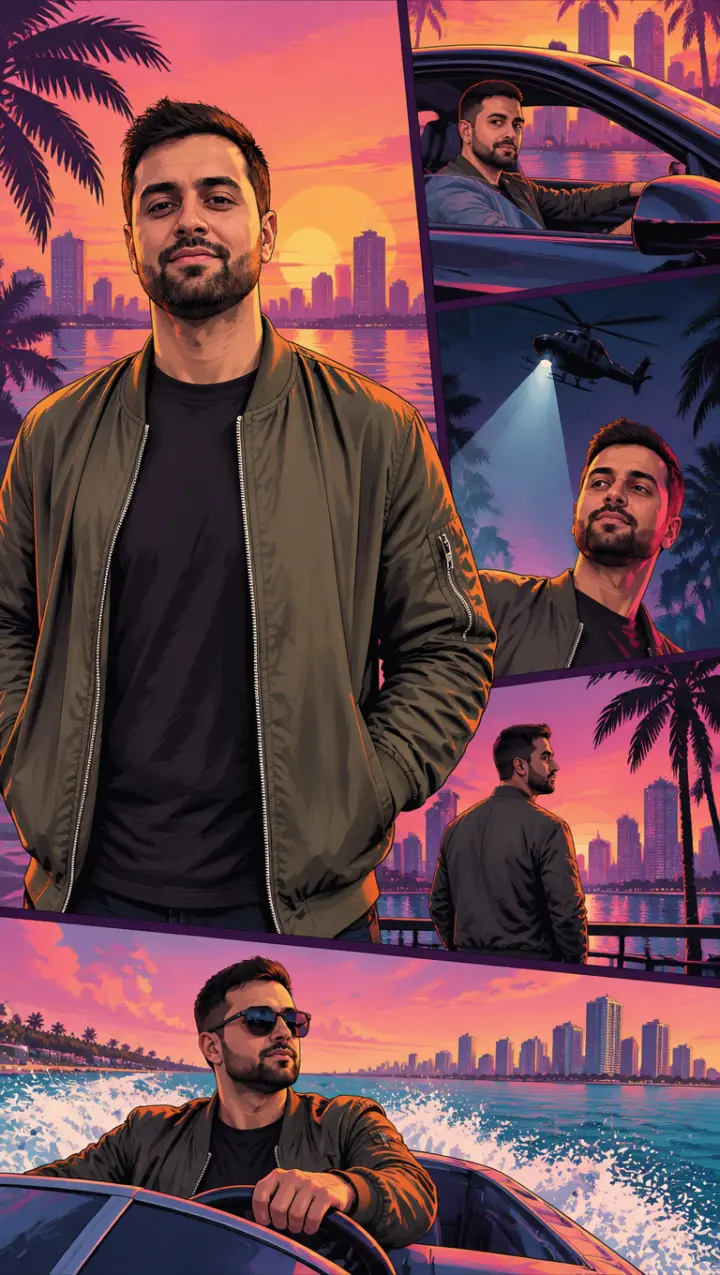
Cover art
The box art: you large in the middle, and small framed panels around you of the same story, behind the wheel, under a helicopter’s spotlight, on a boat.
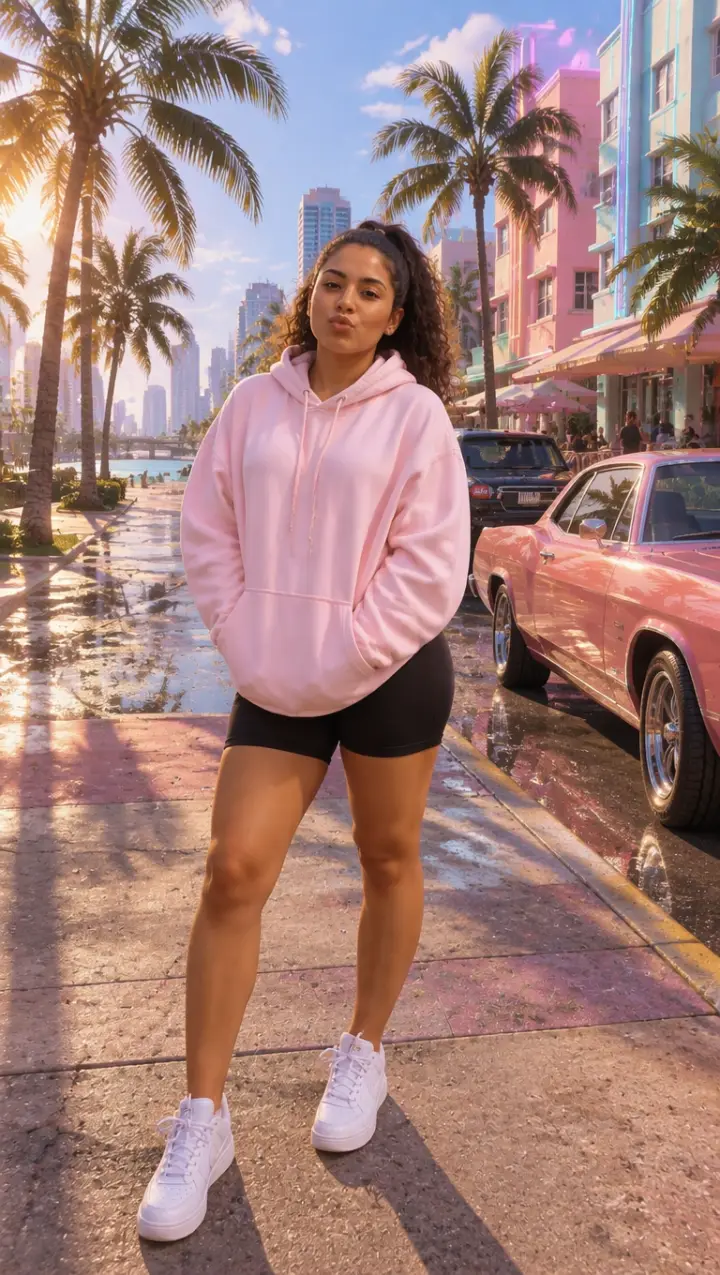
Game character
You as a playable character in the game’s own 3D look, full body, on a sunny Vice City street.
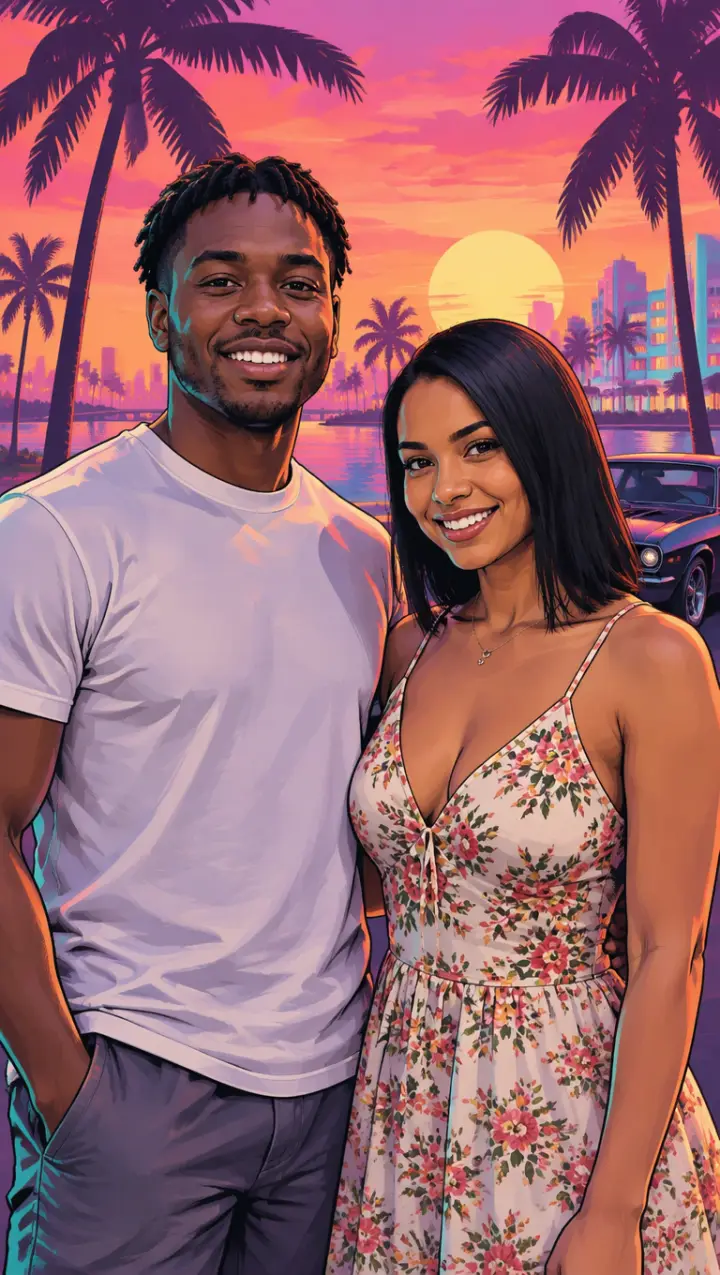
Couple
A photo of the two of you becomes the outlaw couple on a poster, side by side against a hot pink sunset.
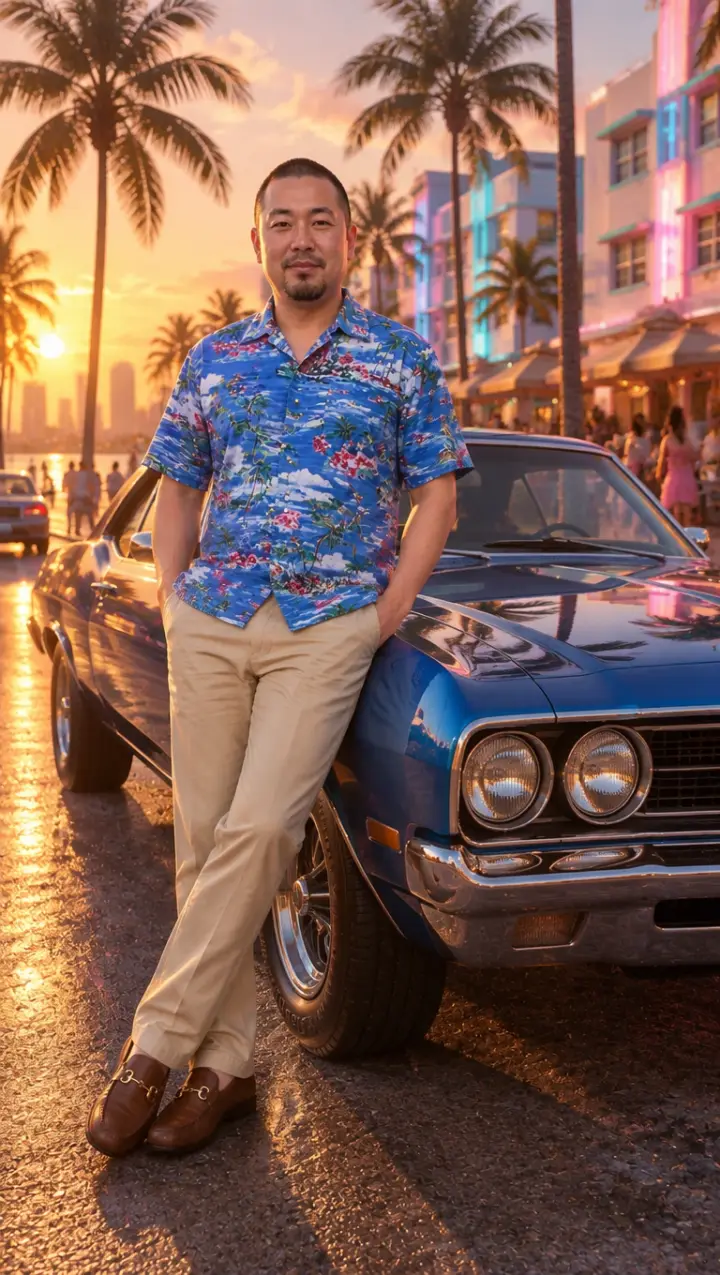
With a car
You leaning on a vintage muscle car on the ocean drive at golden hour, in the look of the game.
Three steps
How to make your GTA 6 loading screen
Three steps, on a phone or a computer, no template file and no editing app.
- 01
Add a photo of you
Waist up works best, face to the camera, in good light. The loading screen keeps your face, hair and clothes.
- 02
Keep Loading screen picked
Or add a detail in the box: “in a pink shirt”, “sunglasses on my head”, “a Lamborghini behind me”. Tick the box and press Make my loading screen.
- 03
Download and post
Your loading screen comes out vertical, the size of a phone screen. Post it as it is, or use it as the end card of the trend.
The trend
The GTA 6 loading screen trend
The “your GTA 6 loading screen” trend began on TikTok in September 2026, two months before the game came out. The posts follow one pattern: a normal selfie on screen, then it slides away and the same person appears as a GTA 6 loading screen, painted over a Vice City sunset. The tutorial from @eg3bx1 is set to Last Thing You Need by Morgan Wallen, from the game’s own album.
An AI version posted by @kels.lately92 on September 23 passed 300,000 plays, and that tutorial from @eg3bx1, posted the day before, passed 270,000. In the comments people post their own and ask how to make one; some say the template they tried wanted a paid plan or did not work.
The look
What makes a GTA loading screen look right
A GTA loading screen is painted art, not a photo. These are the parts the generator keeps to:
Dark outlines and smooth shading
A clean ink line around you and flat, smooth shadows, like a comic cover, with strong sunlight from one side.
The Vice City sky
A pink and orange sunset with palm trees in silhouette, and art deco hotels with neon trim behind you.
A pose with attitude
Waist up, a glance at the viewer, the confidence of a character on the box art.
Vertical, phone-sized
Made to fill a phone screen, so it works as a TikTok end card or a wallpaper.
Make it move
A loading screen that moves
Want the loading screen to come alive? The Loading screen template on the GTA 6 AI video generator paints the same picture from your photo, then makes it move: the palm trees sway, the neon flickers and you turn to the camera.
More
More GTA 6 AI tools
Questions
GTA 6 loading screen FAQ
Is this the same as the TikTok GTA 6 loading screen trend?
It makes the same kind of picture: you as the painted loading screen art over a Vice City sunset. You get the picture itself, to post, to put at the end of your own edit or to use as a wallpaper.
Does it add the GTA VI logo?
No. The loading screen has no game logo or title on it, so the art is yours to post. Add your own caption on top if you want the words.
What happens to my photo?
It is used only to make your pictures and videos. It stays with what you made in My photos & videos and is deleted when you delete it; a photo you add and never use is erased within a day.
Can I make a loading screen with my partner or a friend?
Yes. Pick Couple and use one photo of the two of you, or write “the two of us on a loading screen” with Your idea.
Can I try one before paying?
Yes. Your first loading screen is a preview with a watermark. Pick a pack to take the watermark off that same picture and make more.
GTA 6 AI Video is an independent, unofficial fan tool. It is not affiliated with, endorsed by or sponsored by Rockstar Games, Take-Two Interactive or TikTok. Grand Theft Auto, GTA and GTA VI are trademarks of Take-Two Interactive; they are used here only to describe the look people ask for. No game footage, artwork or logos are used. Every video and picture made here is AI-generated: say so when you share it. Rights holders can write to support@gta6aivideo.app.